01 / EXPLORE
72 hours of Pro
The full trial begins after the watch first successfully connects to the licensing service. Explore all fifteen scenes and automatic mode for 72 consecutive hours.
MOUNTAIN DAYS / MEILI PRO
The first gold on the ridge. Silver under the moon. A mountain that changes with the sky, and the essentials for your everyday glance.
For selected Garmin AMOLED watches · Version 1.5.0 preview
THE COLLECTION
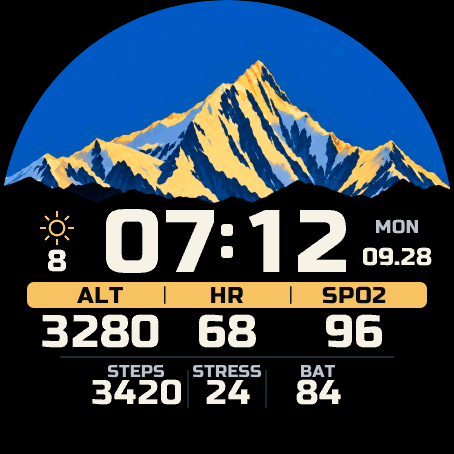
Inspired by the Meili snow mountains. Six sunrise views, six moonlit views, and three everyday skies share one carefully balanced design.
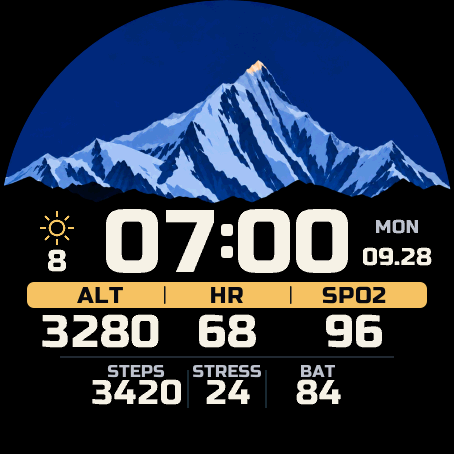
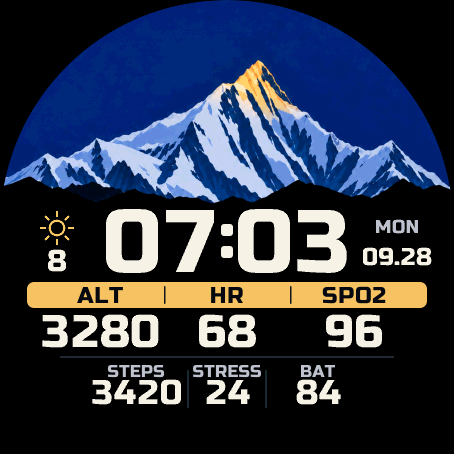
From blue dawn to a sunlit summit.
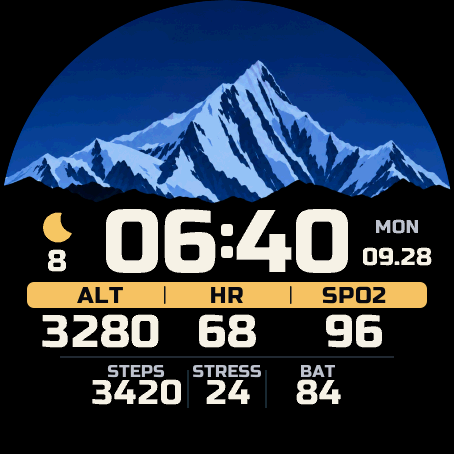
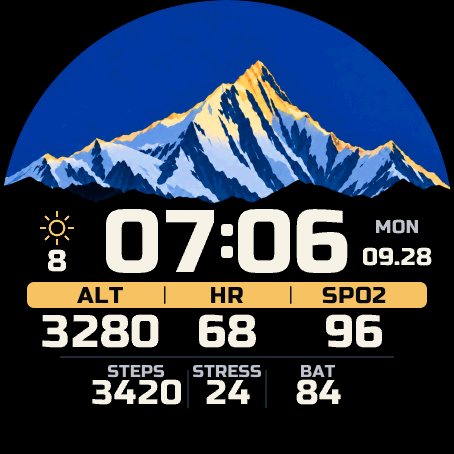
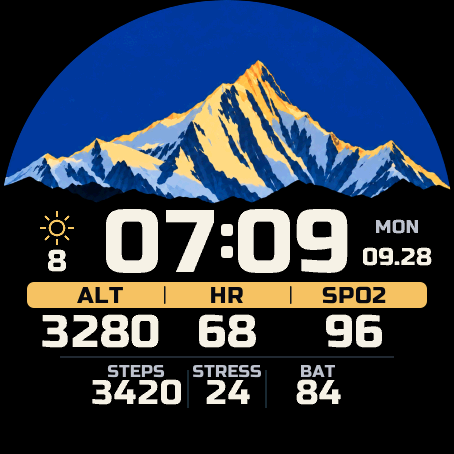
Light shaped by the moon and the night.
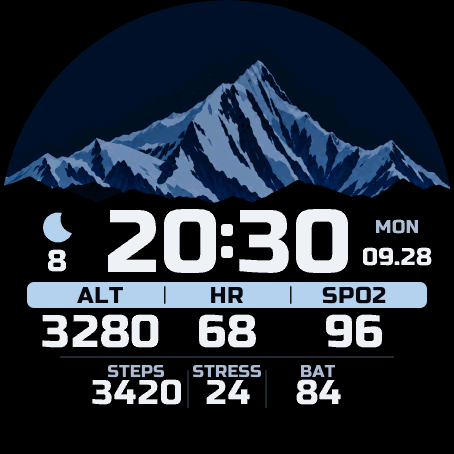
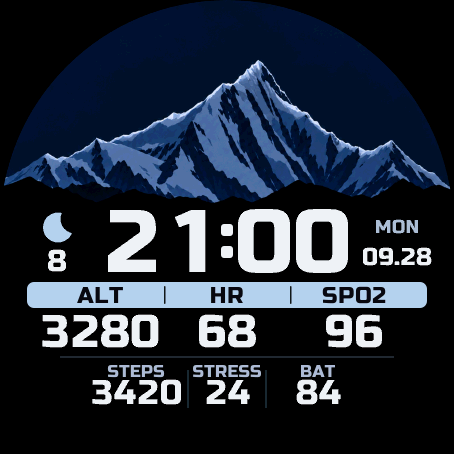
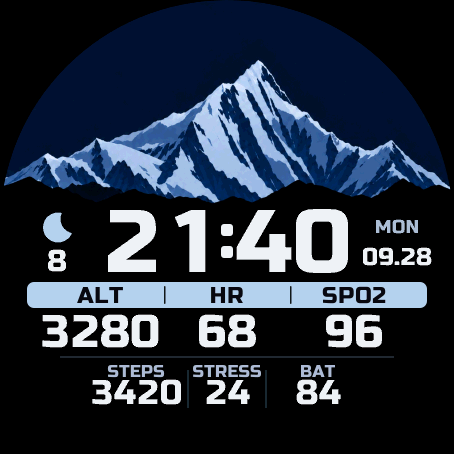
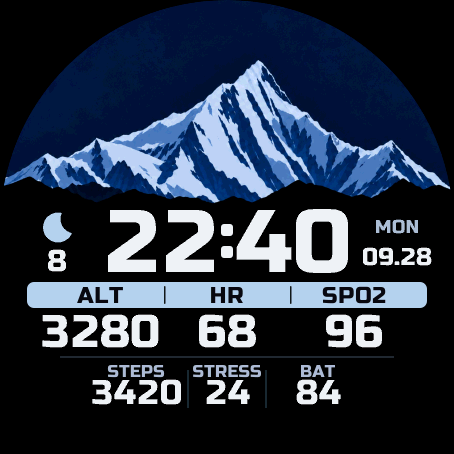
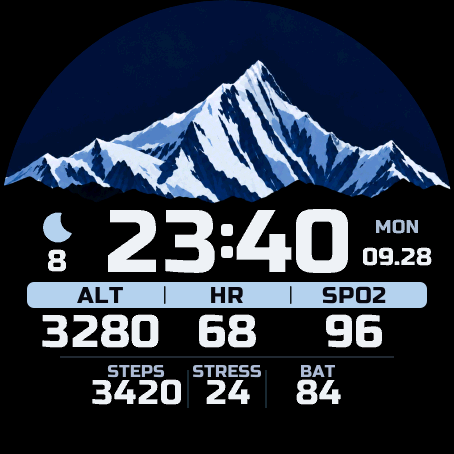
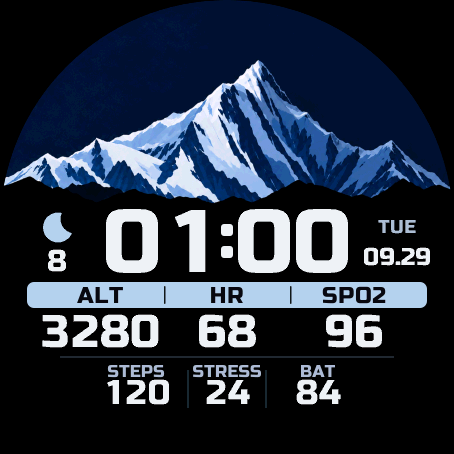
Daylight, a crescent, and the Milky Way.
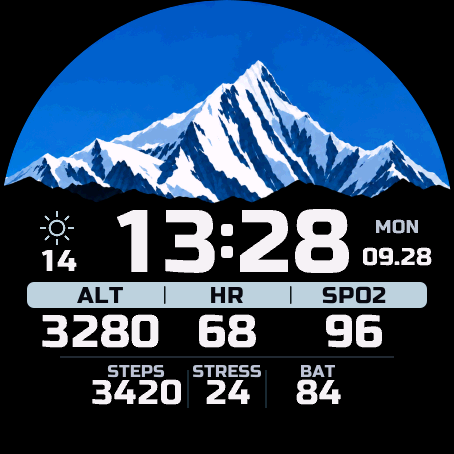
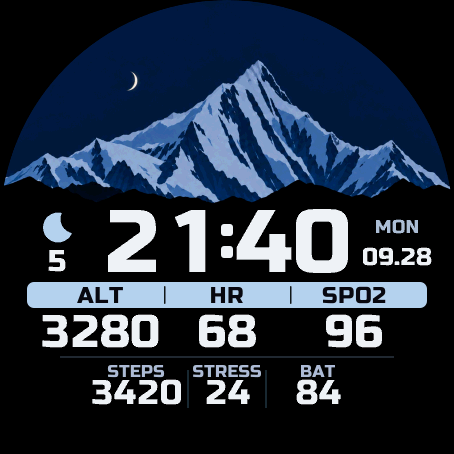
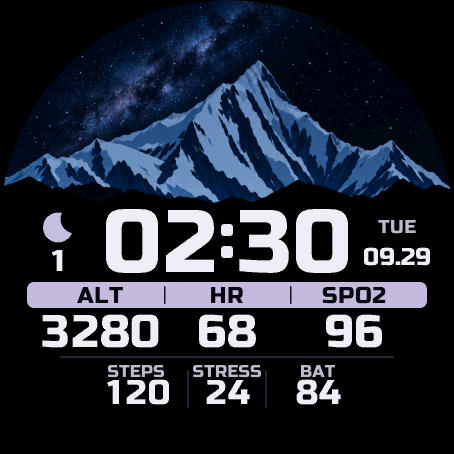
Automatic mode selects still illustrations using available local sun, moon and weather information. These are staged scene changes, not continuous animation. Conditions determine what appears; not every scene appears each day. You can also keep a favorite scene during the trial or after activation.
EVERYDAY CLARITY
Time takes the center. Weather sits to the left, weekday and date to the right. Six aligned readings keep the mountain and your day in balance.
24-hour time, English labels and weekdays. Temperature and altitude follow watch unit preferences. Missing or stale readings appear as dashes.
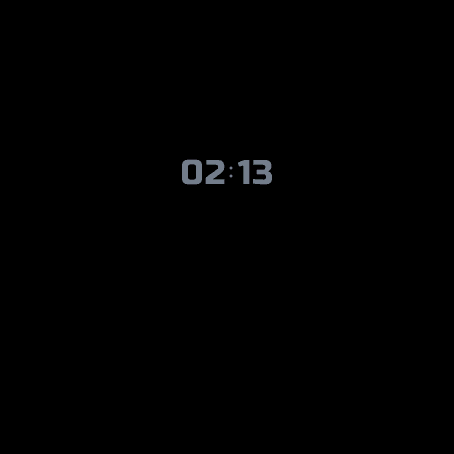
An optional small clock on black moves once a minute in always-on mode. Wake the display to bring the mountain back.
MEILI uses readings already available on your watch. It does not start GPS or a new sensor measurement. Record hikes and climbs with your watch’s activity screens.
THE ARTWORK IN MOTION
A closer look at the gold, silver and everyday collection, with a little space for the details.
Film from the earlier artwork collection, with sample readings. Editorial order and timing do not represent automatic watch operation. Pro 1.5.0 adds the planned trial and activation experience.
THE PLANNED RELEASE
Pro 1.5.0 is being prepared for release. Launch validation is in progress; purchases and public Pro downloads are not open yet.
01 / EXPLORE
The full trial begins after the watch first successfully connects to the licensing service. Explore all fifteen scenes and automatic mode for 72 consecutive hours.
02 / KEEP THE BASICS
When the trial ends, Daylight, Golden slopes and Silver summit remain available for manual selection. Time, weather, date, six readings and the optional small always-on clock stay available.
03 / UNLOCK PRO
The planned one-time activation unlocks all fifteen scenes and automatic selection for one watch. Once activated, the saved license supports offline use. No subscription or automatic renewal.
Activation needs an internet-connected phone. Background processing typically takes at least about five minutes and can take longer. Reinstalling requires online license recovery on the same watch. Price, sales channels, delivery and after-sales terms will be published before sales open.
DEVICE SCOPE
Planned first-wave models use a native 454 × 454 display. Pro 1.5.0 release validation is still in progress. Final availability will be confirmed at launch.
Other sizes, MIP, Solar and MicroLED models are outside the advertised scope of this preview.
A FEW THINGS TO KNOW
Not yet. This is the public product preview for version 1.5.0. Launch validation is in progress. We will publish the price, official purchase links and complete sales terms before accepting orders.
An everyday watch face, made for mountain travel and daily life. It keeps time and existing watch readings at a glance. Use the watch’s activity screens for recording hikes, climbs and workouts.
Not necessarily. Automatic selection uses available location, sun and moon conditions, and weather. Moonlit scenes need suitable darkness, lunar conditions and weather. The artwork is an artistic response to the sky, not a prediction of real mountain illumination or Milky Way visibility. Manual scene selection is available during the trial and after activation.
The watch face keeps working in basic mode with three manually selected scenes, all six readings, weather, date and the optional small always-on clock. The 72-hour trial runs continuously from the first successful licensing connection; going offline or reinstalling does not restart it.
That is the planned model. Enter the purchased activation code in ActivationCode in the Connect IQ settings, save, and keep the phone connected to the internet. Wait for the confirmed Pro status. The watch then saves its license for offline use; weather and sensor freshness still depend on Garmin’s data. If you reinstall, reconnect to restore the same watch’s license.
The watch face only displays valid existing records. Missing, invalid or old records show a dash rather than a misleading number. Blood oxygen uses a valid record from the last 30 minutes by default, with 15, 30 and 60-minute options. Check the watch’s own health pages and weather synchronization first.
The six fields are fixed: ALT, HR and SPO2 above STEPS, STRESS and BAT. Scene selection, the optional always-on clock and the accepted age of blood oxygen readings can be adjusted. HR is beats per minute; SPO2 and BAT are percentages; STRESS is a 0–100 score.
Email mustangliu42@gmail.com with your watch model and a short description. Please do not include passwords, full activation codes or payment credentials. For future order support, keep your order reference.
CONTACT
Questions about MEILI, device compatibility or the upcoming release? Get in touch with the product developer.